← Explore the Kids Game & AI Lab
Start with the project and the learner. The suggested ages in our lab describe teaching fit, not permission to create an account. Reading confidence, typing, device access and previous projects matter as much as age.
STEP 01
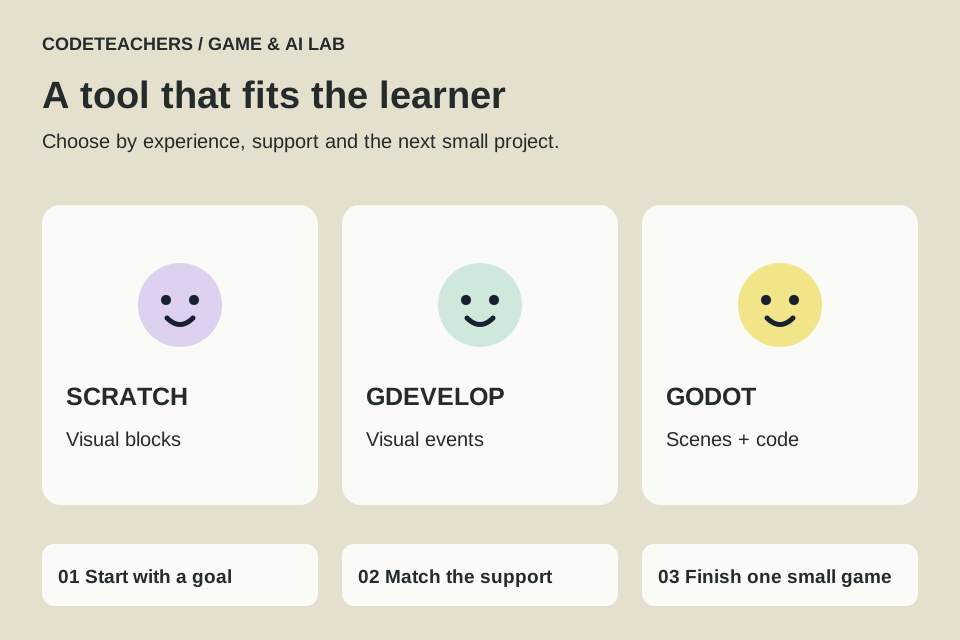
Choose Scratch for a first complete game.
Scratch’s visual blocks let a beginner focus on events, loops, variables and conditions. A good first goal is to move a character, collect something and restart. Try our catch-the-stars tutorial. Move on when the learner can explain the code and change a rule without rebuilding from a copied answer.
STEP 02
Choose GDevelop for visual game logic.
GDevelop suits a learner who wants more elaborate levels and behaviors while continuing to work visually. Conditions and actions are still programming ideas even when they are not typed as code. Use the official education materials, check the account and plan setup, and begin with one playable level. Optional AI features are separate from the core ability to make a game.
STEP 03
Choose Godot when text coding is a welcome challenge.
Godot’s scenes, nodes and GDScript provide a deeper game-development path. Start with 2D and a small goal, such as our coin collector. Plan for time reading errors and understanding the editor. It is a poor first assignment if typing and unfamiliar syntax consume all the learner’s attention.
STEP 04
Consider two other routes.
MakeCode Arcade is a useful blocks-to-JavaScript route for pixel games. Machine Learning for Kids connects trained classifiers with Scratch. Neither requires abandoning a tool the learner already enjoys.
STEP 05
Use a small readiness check.
- Can they explain what starts the game and what repeats?
- Can they change a score, speed or rule and predict the result?
- Can they describe one bug and how they found it?
- Can they save, reopen and demonstrate their own project?
If those skills are still developing, finish another small project in the current tool. A proud, understood game is a better milestone than an unfinished engine installation.
← Explore the Kids Game & AI Lab