← Explore the Kids Game & AI Lab
Teaching fit: Ages 8–12 with adult help as needed · Plan for: 45–60 minutes
You need: A computer browser, Scratch, and a mouse or trackpad. No AI chatbot needed.
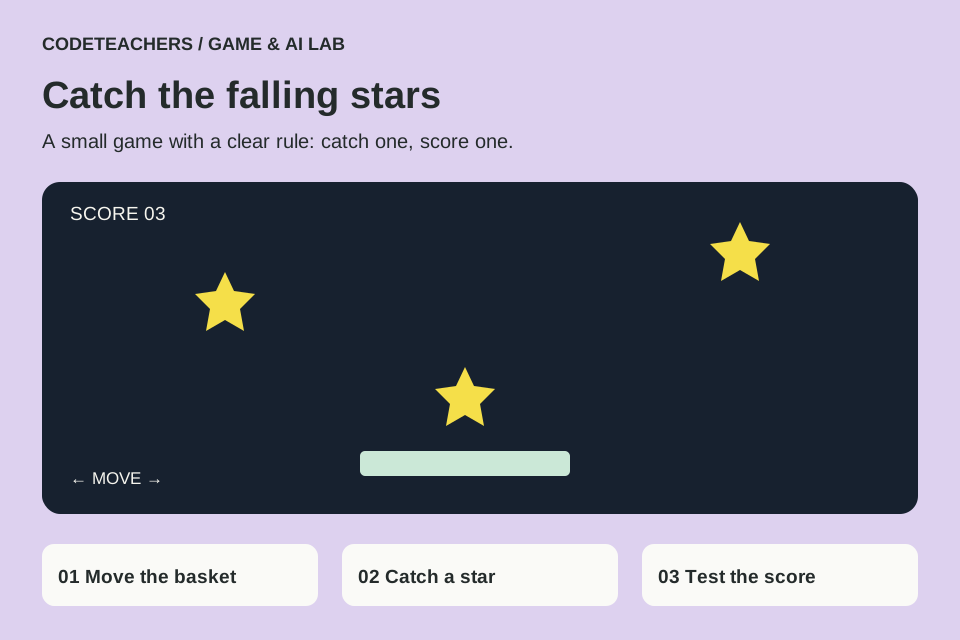
You will make: A one-minute score-chasing game using two sprites.
STEP 01
Set the stage.
Open the Scratch editor. Remove the default cat if you do not want it. Paint a wide basket sprite and name it Basket. Add or paint a star sprite named Star. Keep the basket around 80 pixels wide and the star around 25. Choose a plain backdrop so both are easy to see. In Variables, make Score for all sprites.
STEP 02
Move the basket.
Select Basket. Connect these blocks in order. The repeat loop keeps checking the keyboard; the x coordinate moves left and right. Find movement blocks in Motion and the key pressed? checks in Sensing.
when green flag clicked
go to x: (0) y: (-140)
forever
  if <key [right arrow] pressed?> then
    change x by (8)
  end
  if <key [left arrow] pressed?> then
    change x by (-8)
  end
  if <(x position) > (200)> then
    set x to (200)
  end
  if <(x position) < (-200)> then
    set x to (-200)
  end
end
Checkpoint: click the green flag and move left and right. The basket should stay near the bottom and inside the stage.
STEP 03
Drop and catch a star.
Select Star and add this stack. The operator or lets the falling loop end on either a catch or a miss. The score changes only after a catch, before the star returns to the top.
when green flag clicked
set [Score] to (0)
forever
  go to x: (pick random (-200) to (200)) y: (170)
  repeat until <<touching [Basket]?> or <(y position) < (-165)>>
    change y by (-5)
    wait (0.03) seconds
  end
  if <touching [Basket]?> then
    change [Score] by (1)
  end
end
STEP 04
Add a finish line.
On the Stage, add a separate stack: when green flag clicked → wait 60 seconds → stop all. Keep the Score variable visible. Restarting should put the basket in the center and reset the score. Use File → Save to your computer to keep an .sb3 copy.
STEP 05
Debug one thing at a time.
If the basket does not move, check that its stack is attached to Basket and starts with the green flag. If stars pass through it, confirm the touching block names Basket exactly, make the basket taller or reduce the fall speed. If scoring repeats, put change Score after the repeat-until loop, not inside it.
Test it before you call it finished.
- A catch adds exactly one point.
- A missed star resets without adding a point.
- Both arrow keys work and the basket stays on the stage.
- The game stops after one minute and a new green flag resets it.
Make it yours.
Turn stars into ingredients, planets or treasures. Change just the fall speed, predict the effect, and compare two rounds. This game uses rules; it does not train an AI model.
Show someone your project and explain one decision, one bug you fixed and any help you used. Save a local copy. Ask an adult before publishing a project or sharing identifying information.
← Explore the Kids Game & AI Lab