Continue the free AI Builder Lab →
Practice time: 40–60 minutes · Adult or adult-led learning
Start here: Automate your first task
The first automation lesson turns a task list into a project brief. Now give it a less tidy input: a missing column, an unexpected status, or a file that cannot be read. A helpful automation should explain the problem and avoid damaging the last useful result.
This is a deterministic Python exercise. AI can help you understand or change it, but the finished script follows explicit rules. The retry experiment below is also a simulation: it makes no network calls and sends nothing.
1. Separate bad data from temporary failures
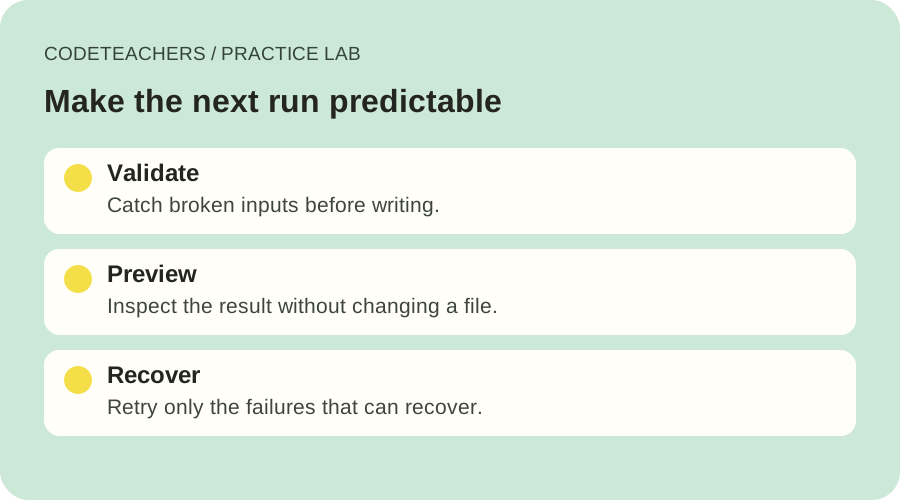
A row with status “maybe” will not become valid because you try it three more times. Stop and fix the input. A missing permission also needs a deliberate correction. A temporarily unavailable read service may recover, so a limited retry can make sense.
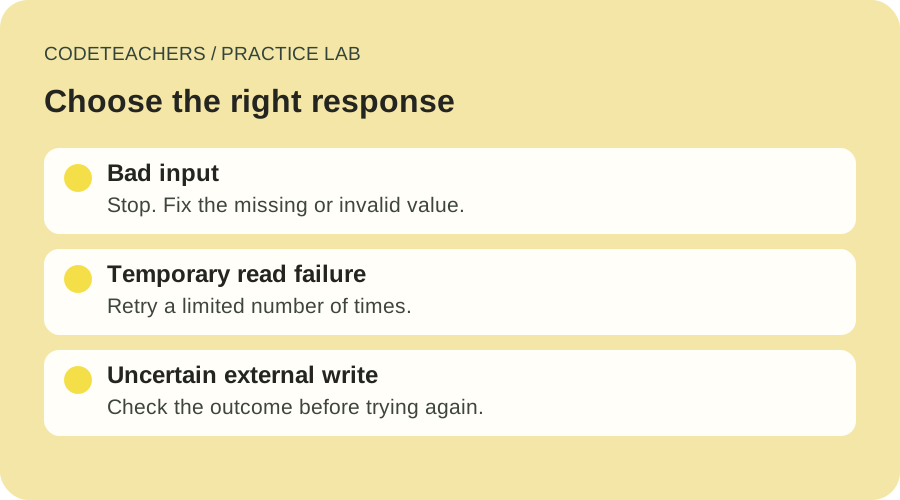
External actions require extra care. If a message request times out, the message might still have been sent. Repeating it can create a duplicate. AWS’s retry guidance explains why backoff and idempotency matter. Before retrying a real write, use the service’s documented status check or idempotency mechanism. This local lab does not implement a production API retry policy.
2. Preview the output before writing
Save reliable-brief.py, tasks.csv, and tasks-invalid.csv in a practice folder. You need Python 3; the script uses only its standard library. Run the commands from that folder. Use python3 instead of python if that is your installed command.
python reliable-brief.py tasks.csv brief.md
The first line says “PREVIEW ONLY.” The brief should report two open tasks, matching the sample CSV. The destination is not created or changed. Compare the task names and owners against the input before continuing.
python reliable-brief.py tasks.csv brief.md --write
Adding --write saves the validated result to the named file, replacing it if it already exists. Choose a disposable practice output. The script rejects using the input file as the destination.
3. Break the input on purpose
Open brief.md and note its contents. Then run the invalid fixture:
python reliable-brief.py tasks-invalid.csv brief.md --write
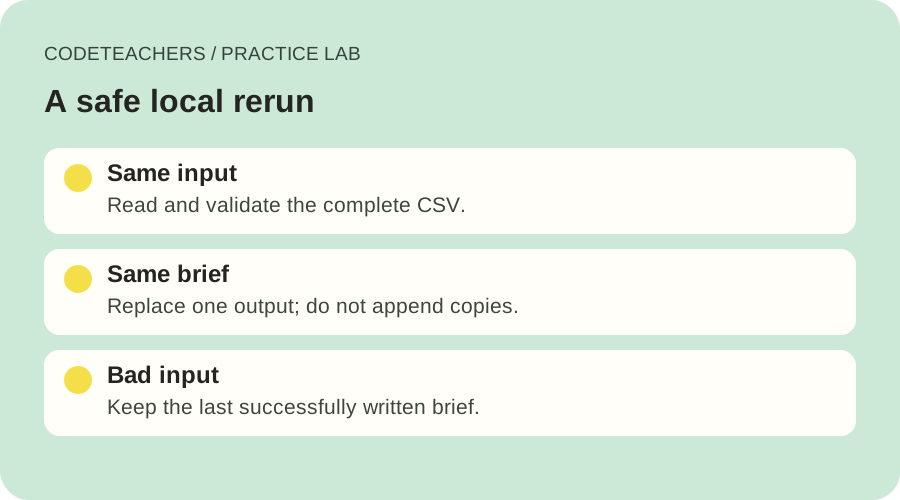
Expect a message naming the CSV line and explaining that status must be open or done. The command exits unsuccessfully, and the previous brief stays unchanged because validation happens before writing. Repair “maybe” to “open” in a copy and run it again.
Try two more cases: remove the status header, then add an extra comma-separated field to a row. Each should produce a useful error. The script also rejects duplicate column names and blank task names. An empty owner is allowed and becomes “Unassigned”; an unknown status is not silently guessed.
4. Check what a second run does
Run the valid command twice. The contents of brief.md should be identical, with no duplicate tasks added by the second run. This is a small example of idempotent behavior: repeating the operation with the same input has the same intended result.
The implementation writes a temporary file in the destination folder and then replaces the destination. This reduces the risk of leaving a partly written brief if writing the temporary file fails. It does not create a backup, coordinate simultaneous writers, or promise recovery from every operating-system failure. Keep this exercise to one process and local practice files.
5. Practice a bounded retry without a service account
Download retry-lab.py. The first command simulates two temporary read failures followed by success. The second simulates a failure on all three permitted attempts.
python retry-lab.py --failures 2
python retry-lab.py --failures 3
The successful example prints attempts 1, 2, and 3, with short waits of 0.1 and 0.2 seconds. The failed example stops after attempt 3 and exits unsuccessfully. There is no fourth attempt and no endless loop. These tiny delays make the lesson quick; they are not recommended timings for a real service.
A production integration also needs request timeouts, service-specific retry rules, appropriate delays and jitter, a cap, and a way to inspect the outcome. Do not wrap every exception in an automatic retry. Invalid inputs and programming errors deserve investigation.
Use AI to explain the failure
Review this small automation using only the code and fictional sample data I provide. Identify which failures come from invalid input, which might be temporary, and which could repeat an external action. Explain when the output file is changed. Suggest one improvement and one observable test. Do not add network calls, credentials, sending, or scheduling. Explain each changed line before I run it.
Finish with a four-row log: preview, valid write, invalid input, and repeated valid write. Save the actual message or file comparison for each. You are ready to schedule a later version only when you can explain its failure behavior, its output, and how to stop it. For a complete example of documenting that evidence, read the project-board case study.
Written for adults and adult-led learning. Use eligible accounts and follow each tool’s age requirements. Product documentation checked October 28, 2026.