Continue the free AI Builder Lab →
Practice time: 45–75 minutes · Adult or adult-led learning
Start here: Build a coding project with AI
A useful portfolio project does not need a complicated stack. It needs a clear problem, a working result, and an explanation of the choices behind it. This case study uses the actual CodeTeachers practice task board, built for the AI Builder Lab.
This is a teaching example reviewed by CodeTeachers, not a client success story or a claim about student outcomes. We tested the hosted demo in Chrome on October 28, 2026. The checks below describe what was observed in that environment; the unfinished improvements remain clearly labeled.
1. Write a brief small enough to finish
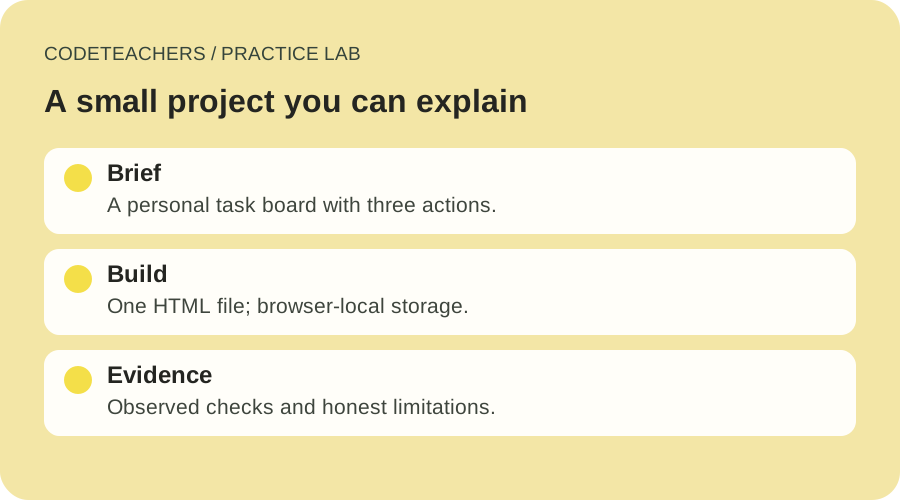
The problem: a learner needs somewhere to keep the next few steps of a small project. The first version needs three actions—add a task, mark it complete, and remove it—and a count of unfinished tasks. A refresh should retain the list when browser storage is available.
We chose a single HTML file with embedded styles and JavaScript. There is no account system, server database, collaboration, or cloud sync. That scope lets a beginner inspect the entire project and connect each visible control to its behavior.
Copy the case-study worksheet and write your own problem statement before changing the code. “Help one learner remember three next steps” is more testable than “build the ultimate productivity platform.”
2. Trace one action through the code
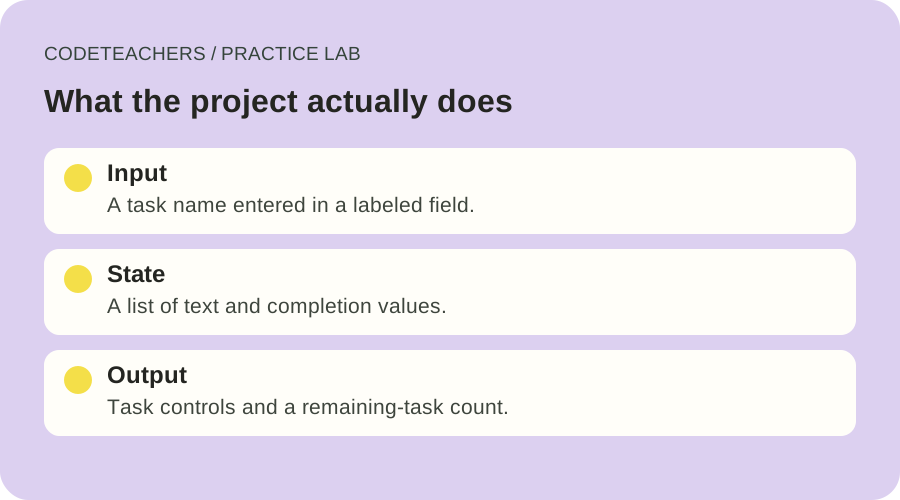
Download the project-board HTML file and open it in a text editor. Find the form submission handler. It trims the entered text, rejects a blank result, adds an unfinished task, saves the list, and redraws the page.
Each task has text and a completion value. The display counts tasks whose completion value is false. The remaining-task label uses the singular form for one task. Task text is assigned using textContent, so typed markup is displayed as text rather than interpreted as page HTML.
Ask AI to explain this path in plain language, then locate the exact lines yourself. If you cannot connect an explanation to the implementation, treat it as something to verify. Keep a working copy before asking for a change.
3. Record what actually happened
The observed check log records these results from the hosted demo:
- Whitespace-only input: no task was added; the page asked for at least one visible character.
- Add using Enter: one task appeared and the label read “1 task remaining.”
- Literal markup: a task containing
<b>Inspect the result</b>appeared with those characters visible; the count became two. - Complete a task: the checkbox changed and the unfinished count dropped to one.
- Reload: the two tasks and the completed state remained.
- Keyboard toggle: Space on the second checkbox completed it and the count became zero.
- Remove the practice tasks: both rows disappeared and the empty-state message returned.
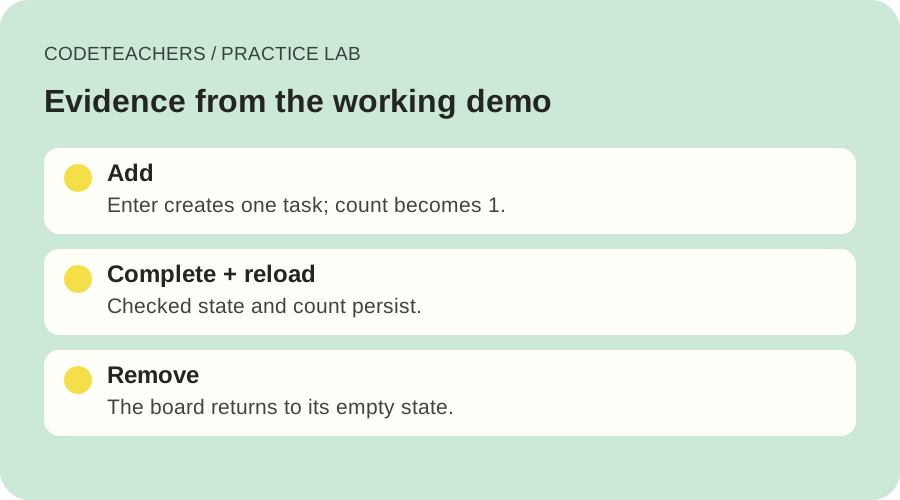
Run the same checks on your copy and record your own results. Include browser, date, expected behavior, actual behavior, and any correction. A seven-row log from one browser does not establish compatibility with every browser, device, or assistive technology.
4. Explain the limits before sharing
The list lives in browser storage for the page’s origin. It is not a backup. Clearing site data, switching browser profiles, or using another device can produce a different or empty board. The code displays a session-only message if storage access fails, but that failure mode was not part of the observed browser checks above.
MDN notes that localStorage behavior for files opened with a file URL is not defined consistently across browsers. The observed persistence result applies to the hosted HTTPS demo. If you work from a downloaded file, test persistence on your own setup rather than assuming it matches the hosted version.
For a predictable local origin, you can serve a practice folder with Python:
python -m http.server 8000 --bind 127.0.0.1
Then open http://127.0.0.1:8000/project-board.html. Stop the server with Ctrl+C when finished. Use a folder containing only the files you intend to serve. This is a local preview, not an internet deployment.
5. Make one extension and retest
A useful next feature is a filter showing only unfinished tasks. Write its acceptance rules first: the filter hides completed tasks without deleting them; switching back restores all rows; the count remains correct; and changing a checkbox while filtered does not change the wrong task.
That last check matters because a filtered display can have different row positions from the original list. Ask AI to explain how it will identify a task before generating the change. Add your own test record for the extension; do not copy the original passing results into an untested version.
Explain this single-file project board before editing it. Trace form submission, task state, rendering, and browser storage. Then propose an unfinished-task filter. Explain how task identity will remain correct when rows are hidden. Give acceptance checks and the smallest change needed. Preserve the original file as a working reference. Do not add accounts, tracking, network requests, or a backend.
Turn the project into a short case study
Show the problem, the initial scope, one implementation decision, a working demo, your actual test results, and one limitation. End with what you would improve next. Credit AI for the assistance it provided and explain which decisions and checks you performed. Honest evidence makes a small project more useful than a long list of tools.
Written for adults and adult-led learning. Use eligible accounts and follow each tool’s age requirements. Product documentation checked October 28, 2026.