Part of the free AI Builder Lab →
Choose a task with clear inputs and an output you can check. Here you will turn a fictional project list into a Markdown brief. AI can help explain or adapt the script; the transformation itself uses ordinary rules. This is a useful automation without an autonomous agent or a paid API.
Practice time: 30–45 min · Beginner · Adult-led
Download the Python script · Download the sample CSV
Step 01
Make the input contract explicit
Download the sample CSV and Python script below into one folder. The CSV has exactly three required columns: task, owner and status. The sample contains three fictional tasks. Blank owners must stay visible as “Unassigned”; tasks marked done must be omitted. Write those rules down before asking AI for improvements.
![Input CSV: Sketch page · Sam · done; Check links · Lee · open; Review copy · [blank] · open](/assets/builder-lab/automation-1.svg)
Step 02
Run the smallest useful version
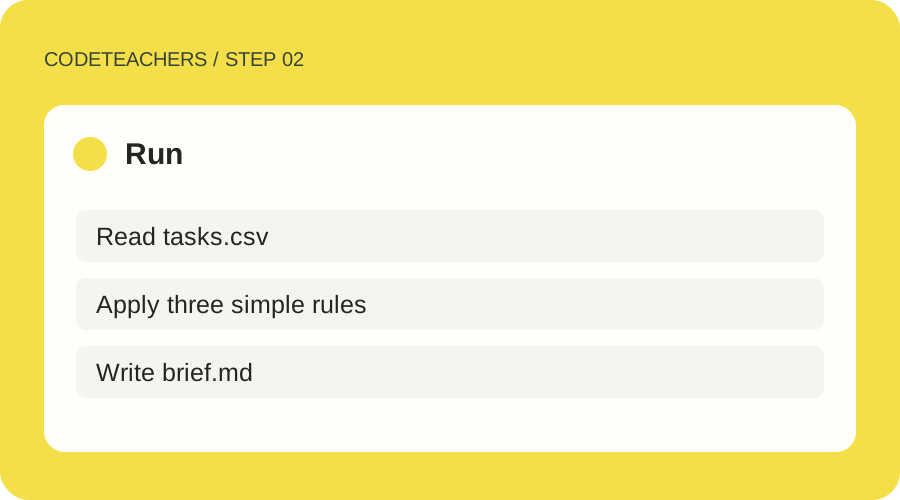
With Python 3 installed, open a terminal in that folder and run python automate.py tasks.csv brief.md. On some systems the command is python3. Read the script first: it reads the CSV and writes only the output file you name. It does not connect accounts, send messages or run on a timer. Use a new output filename if you want to keep an earlier brief.
Step 03
Check the output against the source
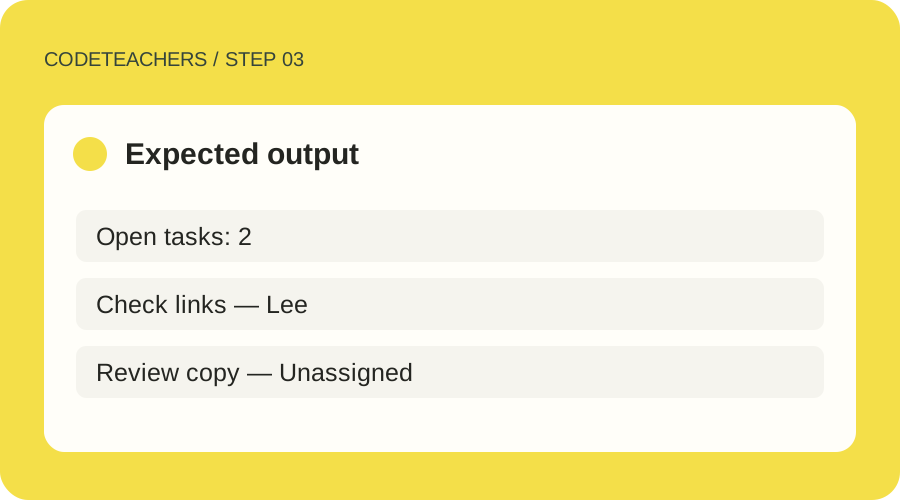
Open brief.md in a text editor. You should see two open tasks, with Lee attached to Check links and Unassigned attached to Review copy. Sketch page should be absent. Change a task to done and run again; the open count should decrease. Remove the owner column entirely: the script must stop with an error instead of silently creating a misleading report.
Step 04
Decide whether scheduling helps
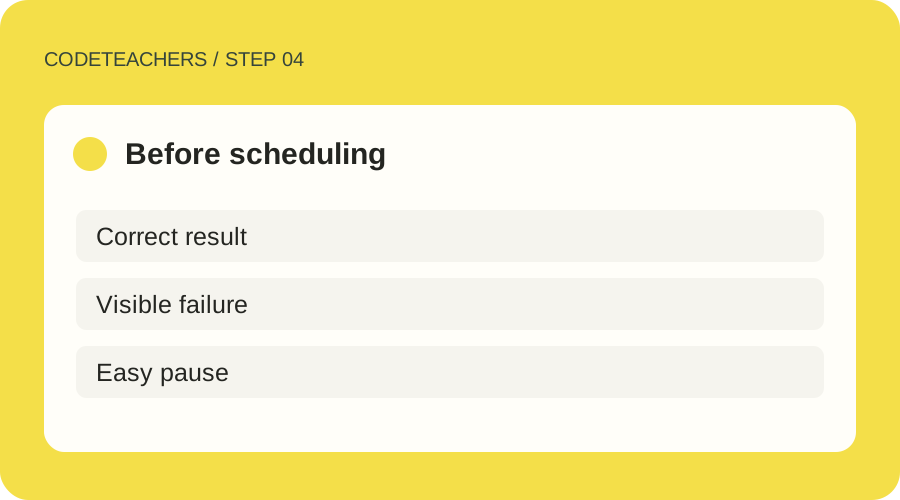
Time the complete process, including correcting the source and reviewing the brief. If this saves useful effort, use your operating system’s documented scheduler or an approved automation service later. Choose a timezone, a frequency, a destination and an end date. Test the failure notification and pause control first. Running the script once does not configure a recurring task.
A prompt to adapt
Explain this CSV-to-Markdown script to a beginner. Preserve its input and output contract. Propose one improvement at a time and show a test for it. Do not add email, external services, API keys or scheduling. Tell me which steps are deterministic and where my review is still needed.
How to know it works
Pass when the sample produces exactly two open tasks, blank owners are labeled, a missing required column fails clearly, and rerunning with unchanged input produces the same output.
Python CSV documentation · Product guidance checked October 28, 2026.
For adults and adult-led learning. Tool age rules and account requirements still apply; younger learners can use the paper planning exercises with a grown-up. Never bypass a service’s age limits.