This guide is for adults, not an invitation for children to open freelance accounts. An educator with real web, curriculum, or automation skills can explore a small professional engagement. Keep student records out of the workflow and keep children’s learning separate from client delivery obligations.
What the connection changes
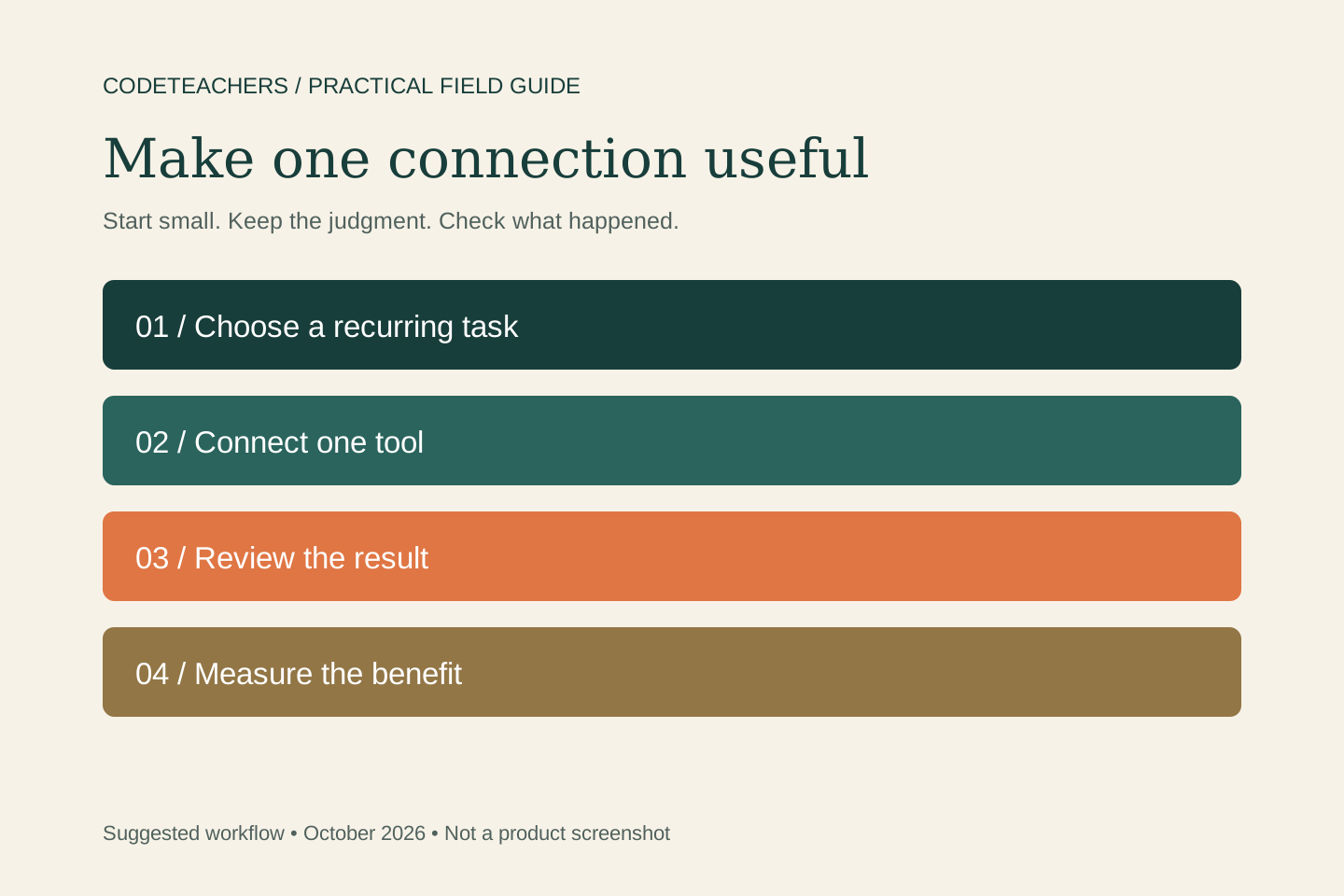
MCP—Model Context Protocol—lets a compatible AI assistant work with connected tools. Upwork’s official server supports marketplace and account workflows, including job research and proposal actions. Available tools depend on your account and role. Use the official connection and your own sign-in; start by asking which actions your account supports.
Choose one offer you can deliver
For adult educators, parents, and experienced mentors, a useful starting scope is building a small website accessibility review. Prepare a demonstration website with keyboard-navigation findings and a repair plan. State the inputs the client supplies, the finished deliverable, timing, and revision allowance. Explicitly exclude student data, unsupervised work by children, and unverified accessibility certification. This is an illustrative offer, not a claim that a particular client has bought it.
Find a match before writing a pitch
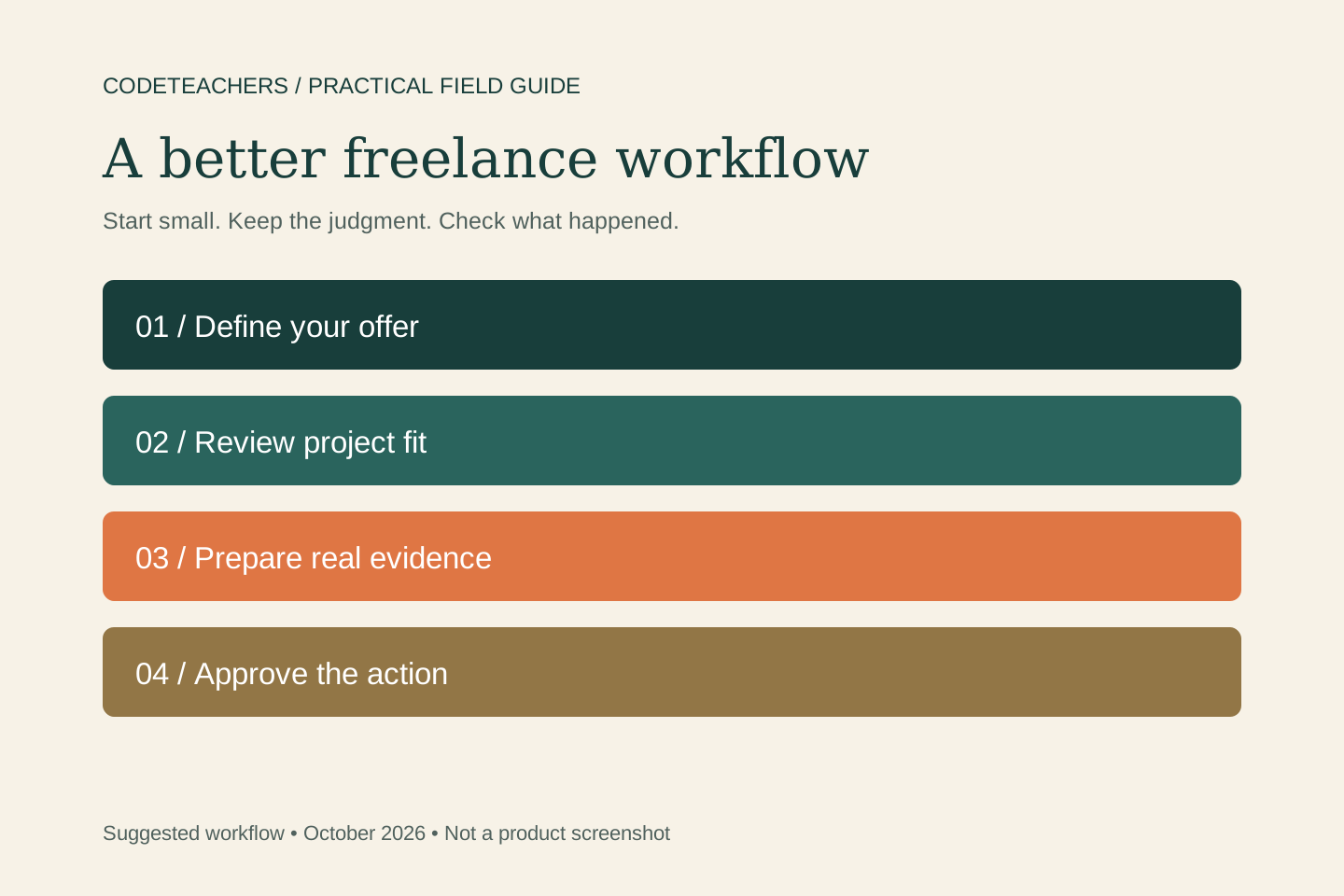
Give the assistant your real skills, work samples, availability, and budget criteria. Ask it to return a small shortlist with the original job links, stated requirements, evidence of fit, missing information, and reasons to pass. Open the full listing. Check scope, timing, client history where available, and whether you can show relevant work. A job listing is an opportunity to evaluate, not a promise of employment.
Find a small shortlist of projects suited to building a small website accessibility review. Compare each with the evidence in my profile and portfolio. Separate facts in the listing from your inferences. Flag gaps, unclear scope, and schedule conflicts. Do not submit applications or spend Connects. Recommend one project to review and explain why.
Prepare a proposal with evidence
For the best match, connect one stated client problem with one relevant example of your work. Draft a short approach, a realistic first milestone, and one useful question. Check for an existing proposal or invitation before starting a new application. Verify every claim about experience, clients, outcomes, and availability; AI should not fill gaps with impressive-sounding details.
Review the bid and the submission
Review the actual rate or project price, screening answers, scope, files, and Connects cost. A proposal preview is not a submitted application. Approve the specific action and inspect the returned status. An optional boosted bid is a separate Connects decision; a high placement does not establish job fit or guarantee a win. Complete any required financial or binding step on Upwork when directed there.
Make the portfolio support the promise
Use the assistant to turn real work into a clear case study: problem, your contribution, decisions, deliverable, and evidence. Label fictional samples as demonstrations. Use only supported profile or portfolio controls in your connection; finish unsupported updates in Upwork itself. Never assume a prepared rewrite has been published. Review the live profile and remove client information you do not have permission to share.
Run a small side-work experiment
Choose a weekly time allowance and an application-spending ceiling before you begin. Track suitable jobs reviewed, proposals, replies, interviews, paid work, fees, expenses, delivery hours, and revision time. Calculate the effective return using all the time involved. Improve the offer or targeting when the evidence points there. The connection can reduce administrative effort; it cannot guarantee clients or income.
Explore Upwork’s freelancer getting-started guide. That is the route for readers looking for work.
If you need to hire help
The same marketplace can help you find a specialist for a bounded task. Write the brief, compare relevant work, and agree on a paid milestone with clear acceptance criteria. Keep account ownership and business decisions with you.
Affiliate disclosure: We may earn a commission if you become a qualifying Upwork customer through the following link. Explore hiring on Upwork. This is a hiring referral, separate from the freelancer information above.
Continue with a related guide
An adult-led Shopify AI project that teaches how online commerce works · MCPs for adult educators: save preparation time and keep learning human
For practical AI learning, see the AI Teachers lesson.
Questions you might be asking
Can this help me find side work?
Yes, it can support research and proposal preparation when you have a service you can deliver. Test fit, costs, and available time. Marketplace access and AI assistance do not guarantee clients.
Is the affiliate link a freelancer signup bonus?
No. The disclosed Upwork referral here is for hiring. Use the separate freelancer guide to explore finding work; no signup reward or earnings claim is made.
Can I publish portfolio changes automatically?
Only use the specific actions supported by your account and connection. Prepare accurate material, approve any write, and verify the live result. Complete unsupported changes on Upwork.
Sources and further reading
Sources checked October 20, 2026. Suggested workflows and examples are editorial guidance, not measured client results.