A fictional shop can teach product information, design, cost, and customer experience without collecting money. Let children help imagine a product or critique a layout while an adult controls accounts and any commercial activity. Use invented customer records throughout the lesson.
Affiliate disclosure: This guide includes our Shopify affiliate link. We may earn a commission from a qualifying referral. Explore Shopify. Check current plans, eligibility, and total costs before starting.
Start with the customer job
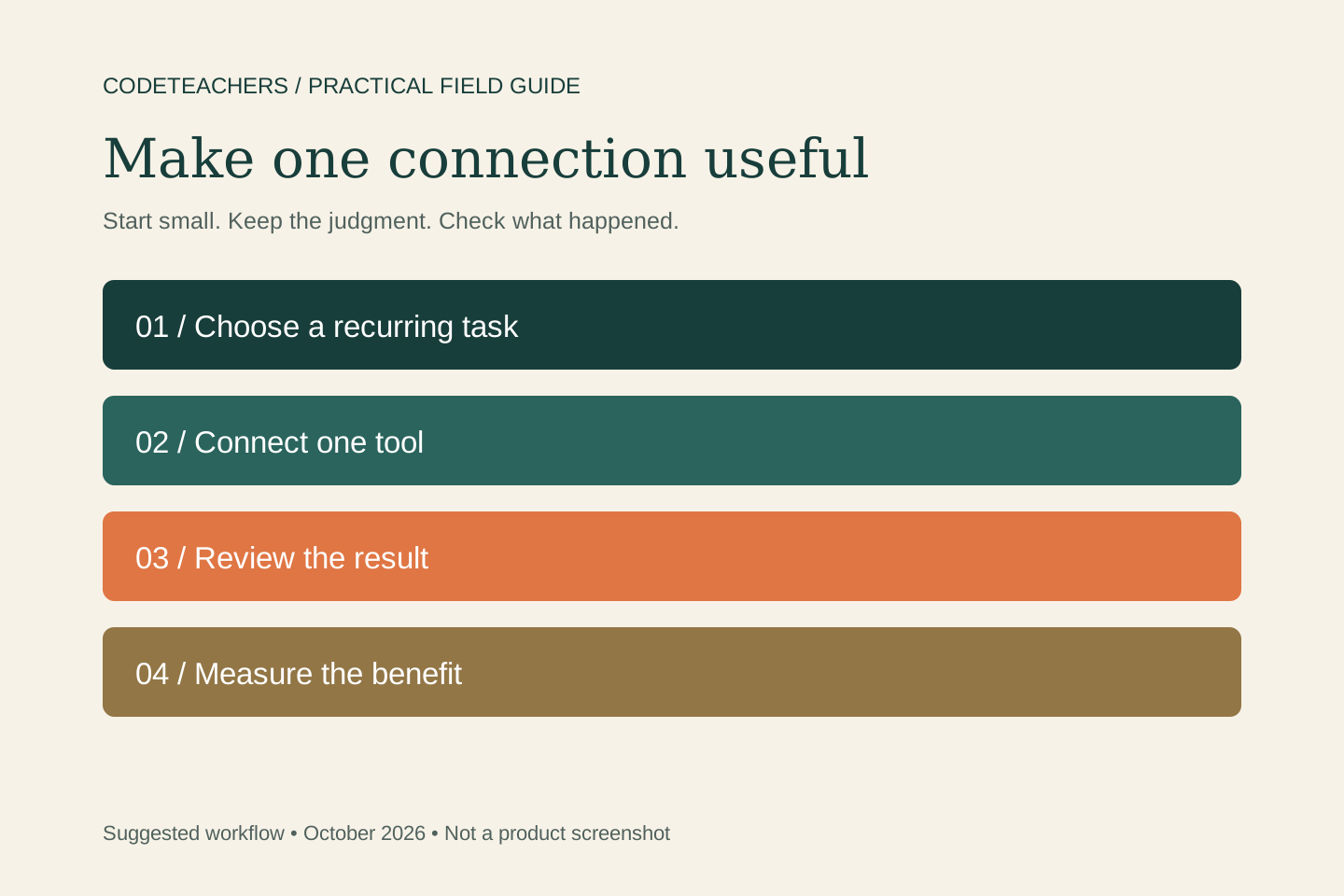
Write down one buyer, one product, and one reason the offer is useful. Verify product facts, rights to images and copy, delivery, and support. Then choose one store task to improve. A focused test is easier to judge than installing several apps at once.
Use native AI close to the store
Sidekick works in Shopify admin and can help with store questions, content, and supported tasks. Shopify also provides AI assistance within specific workflows, including product and theme content, images, and customer conversations. Features often discussed as Shopify Magic now sit within Shopify’s broader AI-powered tools. Availability varies; check the current help page and your account before planning around a feature.
Understand the different Shopify MCP jobs
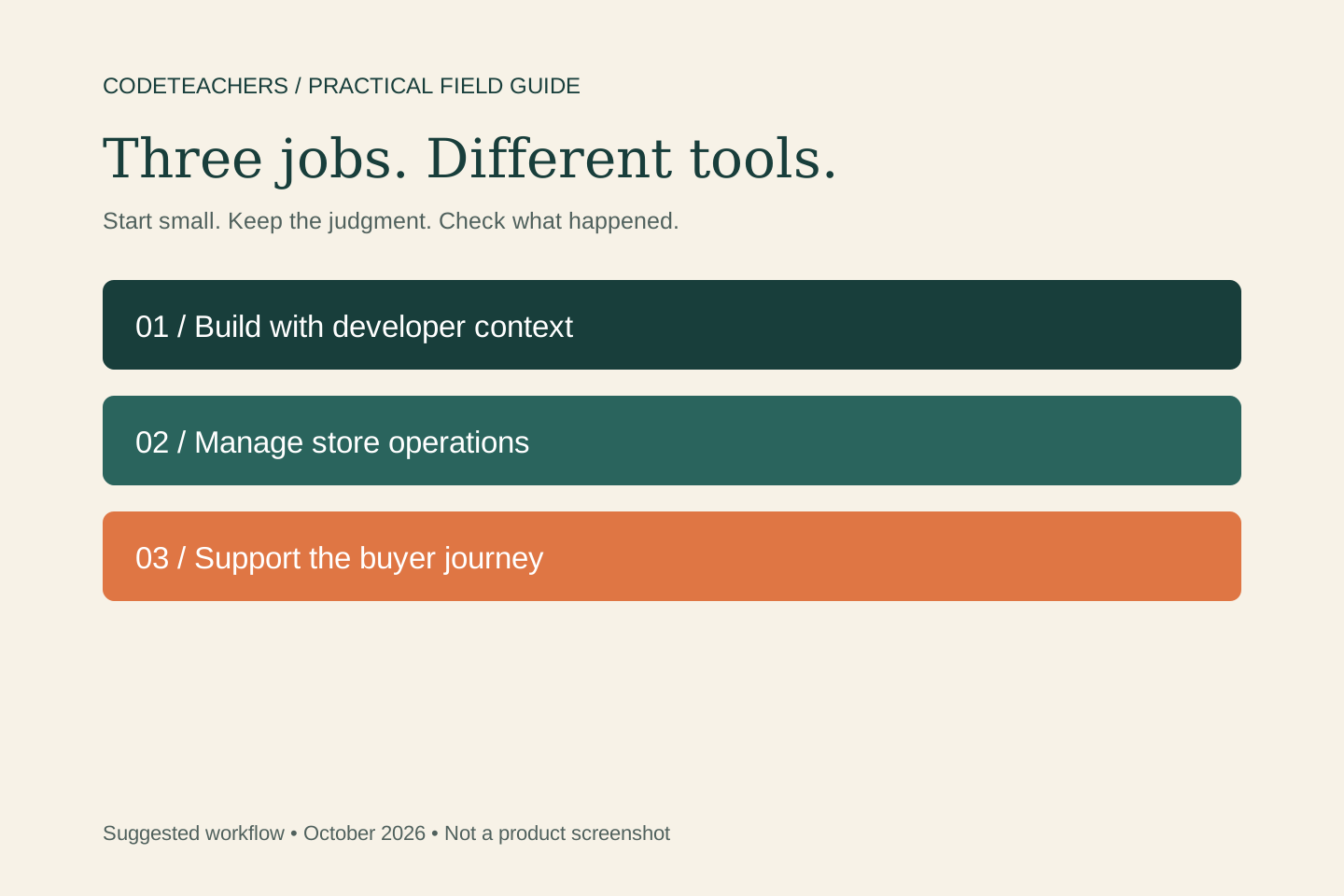
For builders, the AI Toolkit and Dev MCP supply Shopify-specific documentation, schemas, and validation context. Store management through authenticated tools is a separate capability with permissions. For shopping experiences, Storefront Catalog serves one merchant, while Global Catalog supports discovery across merchants. Cart MCP handles a shopper’s selections; Checkout MCP supports checkout sessions and a route to finish the purchase. Customer Accounts MCP addresses authenticated customer requests such as order information. These are distinct surfaces, not interchangeable names for full store access.
Choose integrations around a real gap
Use Shopify Flow for event-driven rules such as an internal task after an order condition is met. Its trigger, condition, and action structure is different from asking an AI assistant to interpret a problem. For work spanning other apps, consider an existing Zapier or Make workflow only when the native path is insufficient. Check the actual events, permissions, retries, costs, and delivery behavior. An integration appearing in a directory does not prove your whole workflow works.
Try a product-page improvement
Select one product with an accurate source sheet. Gather the questions a shopper needs answered, then ask for a draft description and a list of missing evidence. Review the result against the product, especially size, compatibility, materials, claims, delivery, and returns. Keep images faithful to what the buyer receives.
Review this product page against the supplied specification sheet and approved policies. Identify unanswered buyer questions. Draft a clearer description using only supported facts, and list every assumption separately. Propose one change to test. Do not change prices, publish content, issue refunds, contact customers, or install apps.
Test the whole buying experience
Preview on a phone. Check variants, stock, cart totals, shipping explanations, policy links, and the next step. Use an approved test purchase process when checking checkout and delivery. If the product is a download, confirm the customer can actually access the correct file. Keep a dated record of the test and who reviewed it.
Decide whether the stack earns its cost
Compare setup, subscriptions, app charges, payment costs, support, review, and maintenance with the value of the work improved. Track a useful outcome: fewer unanswered product questions, fewer handling errors, or a clearer completion path. Sales can be measured, but a before-and-after change alone does not prove the AI caused them. Start with one product and expand when the evidence supports it.
Shopify is especially worth evaluating when commerce operations are central to your business. A simple service page may need a lighter setup. Review Shopify through our affiliate link when you have a concrete store workflow to test.
Continue with a related guide
For adult educators: use Upwork MCP to explore freelance technology work · MCPs for adult educators: save preparation time and keep learning human
For an ecommerce operations perspective, continue with Ecom Coach’s Shopify guide.
Questions you might be asking
Do I need an MCP server to use Shopify AI?
No. Sidekick and built-in AI tools can be used within supported Shopify workflows. MCP connections serve additional tasks and have their own setup and access requirements.
Is Shopify Flow the same as an MCP server?
No. Flow runs workflows using triggers, conditions, and actions. MCP lets an AI application interact with tools and data. They can complement one another.
Will AI make my store profitable?
No tool can guarantee demand or profit. Validate the product, make delivery reliable, and measure total costs and customer outcomes.
Sources and further reading
- Shopify: AI-powered tools
- Shopify: Sidekick
- Shopify: connecting third-party AI tools
- Shopify: AI Toolkit and Dev MCP
- Shopify: Storefront Catalog MCP
- Shopify: Global Catalog MCP
- Shopify: Cart MCP
- Shopify: Checkout MCP
- Shopify: Customer Accounts MCP
- Shopify: Flow
Sources checked October 20, 2026. Suggested workflows and examples are editorial guidance, not measured client results.