← Explore the Kids Game & AI Lab
Teaching fit: Ages 8–14 with an adult · Plan for: 30–45 minutes
You need: Teachable Machine in a compatible computer browser; a pencil, spoon and neutral background. Use a webcam or adult-prepared image files.
You will make: A two-class image model and a written test record. This lesson does not require a chatbot or game integration.
STEP 01
Choose two clear categories.
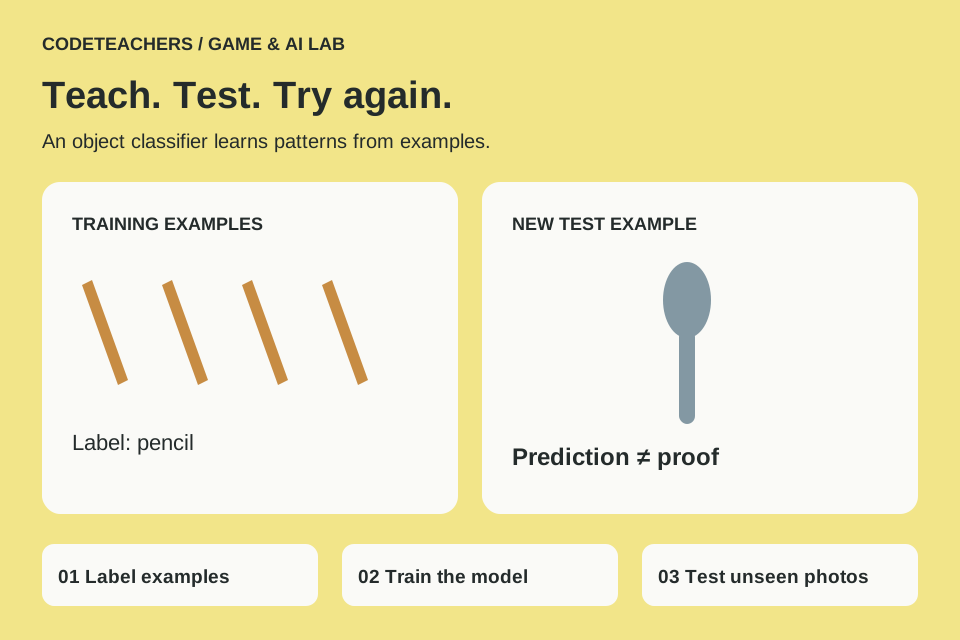
Open Teachable Machine. Start an Image Project with the standard image model. Rename the classes Pencil and Spoon. Use objects only, with no faces, name labels or school details in the frame. If camera access is unavailable, an adult can prepare object photos for upload instead.
STEP 02
Gather useful examples.
Collect roughly 20–30 varied examples per class to begin the experiment; this is a starting exercise, not a guarantee of accuracy. Change the object’s angle and distance. Photograph both objects on the same range of backgrounds so the model cannot rely on the table color alone. Keep several separate photos aside for testing—do not add them to the training examples.
STEP 03
Train and test.
Choose Train Model and wait for training to finish. Use Preview to try the held-out photos or new camera views. Write the real label, predicted label, confidence shown and whether it was correct. Try at least five fresh examples of each object. A high confidence score is not proof of correctness.
STEP 04
Try to fool your own model.
Put the spoon on a new background, rotate the pencil and change the lighting. Show an unrelated object: the two-class model may still choose Pencil or Spoon because those are the only labels it has. Record that limitation rather than calling it a successful identification.
STEP 05
Improve and compare.
Add varied training examples that address the failures, keeping the classes reasonably balanced. Retrain, then use a new set of test photos so you are not measuring memorization of the same examples. Compare the number correct before and after. Save the project using the available local save option with adult help. Exporting or hosting a model is a separate choice; no public upload is required for this activity.
Test it before you call it finished.
- Both classes have varied examples.
- Test photos were kept out of the training set.
- You recorded at least one failure and one attempted fix.
- You can explain why an unknown object may get the wrong label.
Make it yours.
Try two other objects, keeping the task small. Later, an instructor can connect the trained model to a prepared web project. Do not treat model training alone as a completed gesture-controlled game.
Show someone your project and explain one decision, one bug you fixed and any help you used. Save a local copy. Ask an adult before publishing a project or sharing identifying information.
← Explore the Kids Game & AI Lab