Part of the free AI Builder Lab →
Start with a tiny creative brief rather than a complicated film. Our example is “A little idea can grow”: a paper pot, a seedling and a quiet moment of light. You can complete the storyboard without a paid tool. Generating a clip in Higgsfield requires an eligible account and may consume paid credits.
Practice time: 45–75 min · Beginner · Adult-led
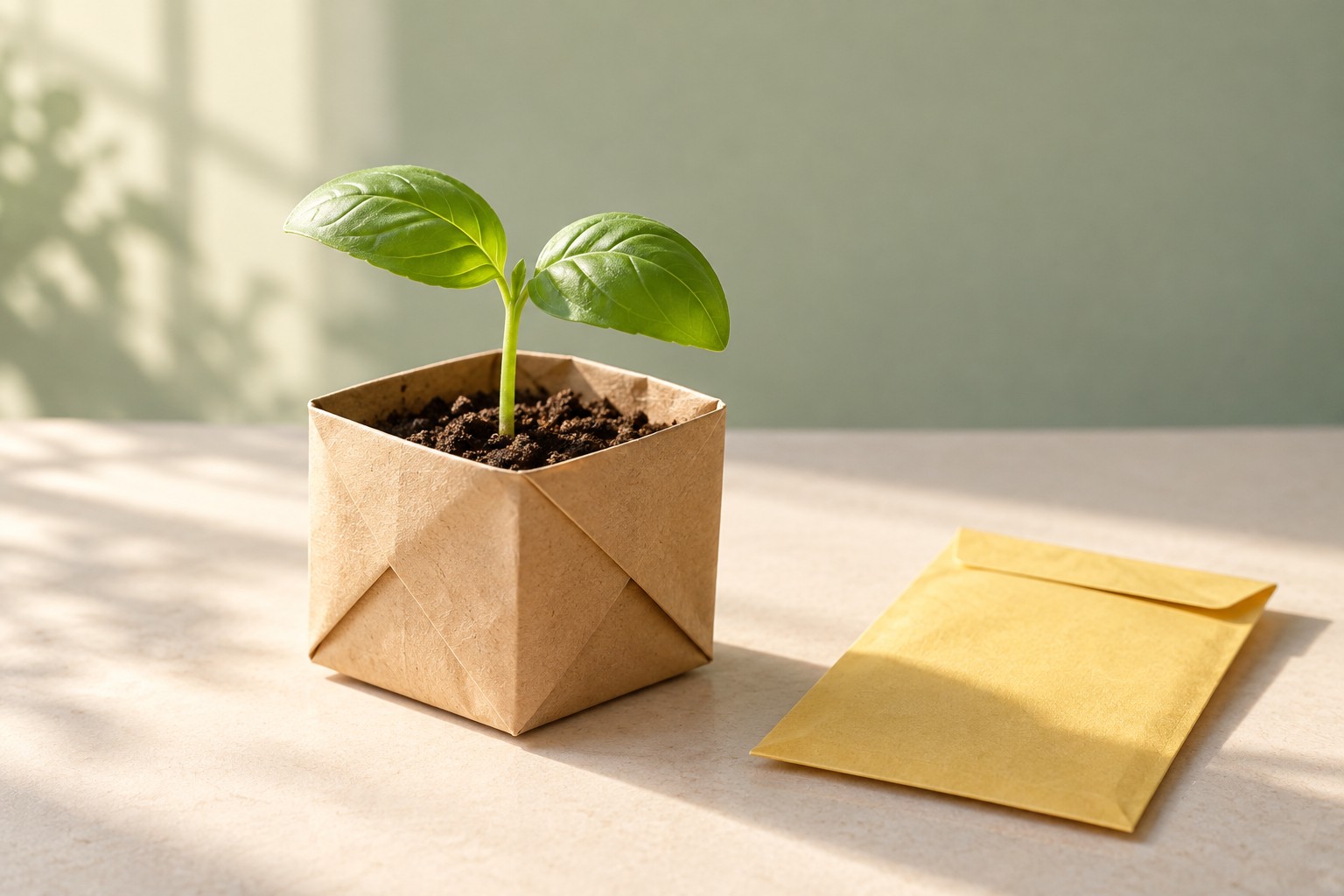
Download the practice keyframe
Step 01
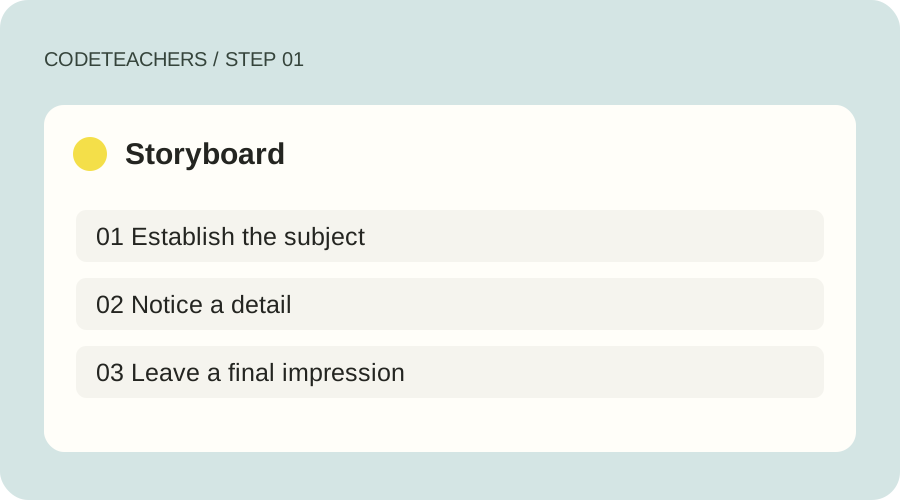
Plan three shots
Write a beginning, a detail and an ending. Shot 1 establishes the paper pot on a table. Shot 2 moves closer to the folded paper and leaves. Shot 3 leaves room for a closing line added later in an editor. Decide what each shot contributes before generating. Use original or properly licensed references and keep real people out of this first exercise.
Step 02
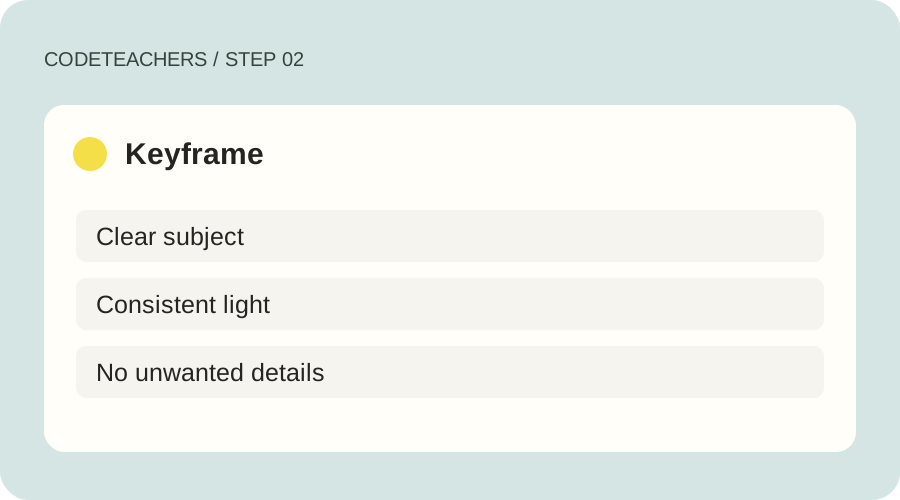
Prepare a consistent keyframe
Download our fictional seedling image or create your own. Keep the subject, palette and lighting consistent across frames. This practice image was generated with OpenAI image generation, not with Higgsfield; it demonstrates an input, not a claimed Higgsfield result. Inspect leaf shapes, paper folds and unwanted objects before spending credits on motion.
Step 03
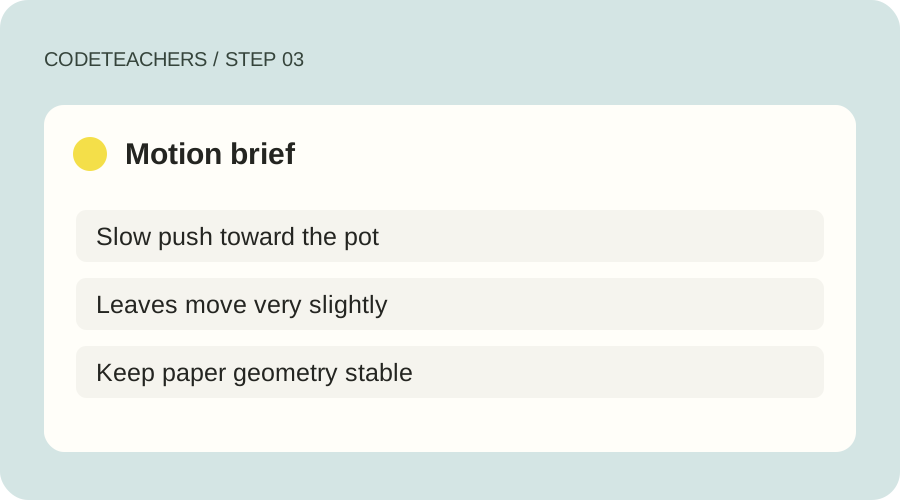
Generate one short motion test
Following Higgsfield’s current DoP guide, open Video → Create Video and choose a DoP preset; the guide identifies the model as Higgsfield Standard. Supply the image, describe the scene and choose a gentle camera movement. Review the duration and displayed credit cost before confirming. Interface labels and available models can change; use the linked official guide if your account differs.
Step 04
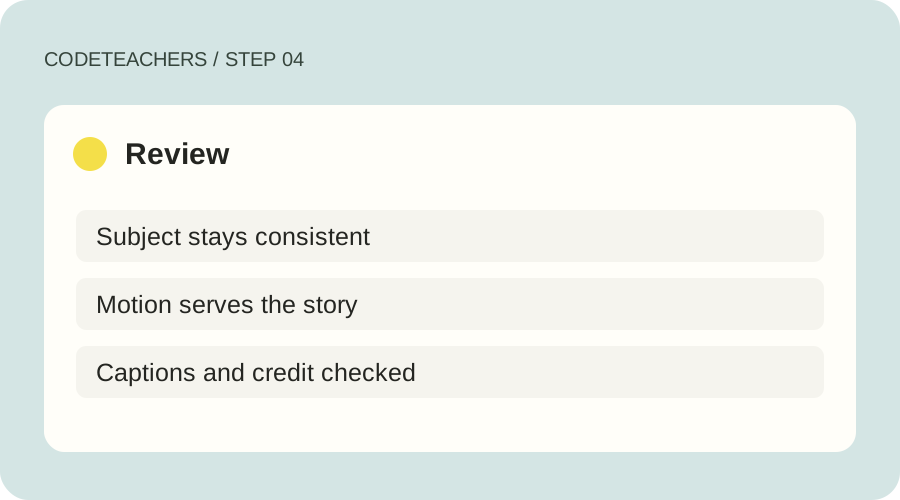
Review the entire shot
Watch the whole clip, not only the first frame. Check whether leaves multiply, the pot changes shape, the camera move matches the brief and lighting stays coherent. Change one variable before trying again. Assemble approved shots in an editor you know, add readable captions and credit AI assistance. A completed storyboard is also a valid first outcome if you choose not to generate.
A prompt to adapt
A small basil seedling in a folded kraft-paper pot on a cream tabletop beside a plain yellow envelope. Warm morning window light. Slow, gentle camera push toward the pot; only slight natural leaf movement. Preserve the pot shape, leaf count, envelope and calm lighting. No text or new objects.
How to know it works
Pass when the storyboard has a clear beginning, detail and ending, you can explain the cost before generation, and any final clip holds together throughout. Record the prompt, settings, rejected result and one improvement. Never label an ungenerated example as a finished video.
Higgsfield DoP guide · Product guidance checked October 28, 2026.
For adults and adult-led learning. Tool age rules and account requirements still apply; younger learners can use the paper planning exercises with a grown-up. Never bypass a service’s age limits.