Part of the free AI Builder Lab →
AI can suggest layouts and alternatives, but it cannot tell you what a real person understood without evidence. Design a project board for someone who needs to see the next task quickly. Start with a sketch and one task, then use AI to explore options you can inspect.
Practice time: 35–50 min · Beginner · Adult-led
Step 01
Write the user task
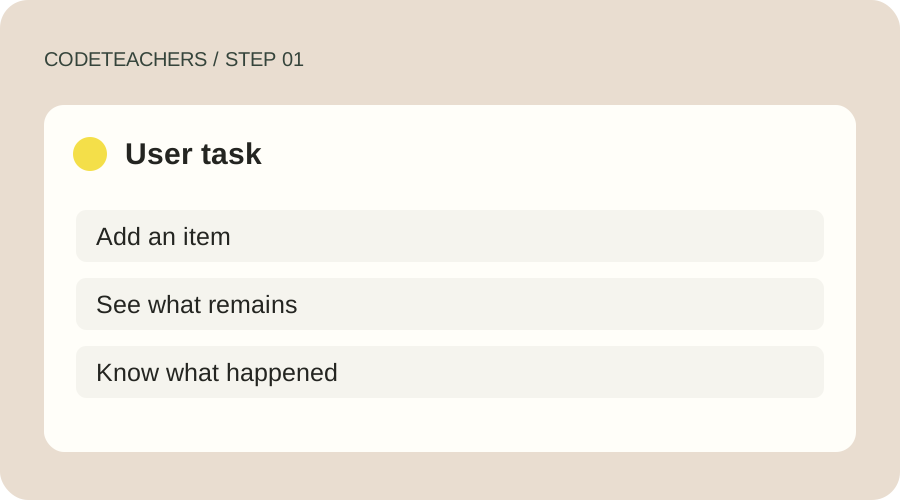
Use one concrete task: “Add an item and identify what remains.” Sketch the information needed to do that. Put the title, input label, add button and task list in a clear order. Leave decorative features until the core action is understandable. Do not confuse your own preference with a research finding.
Step 02
Ask for two alternatives
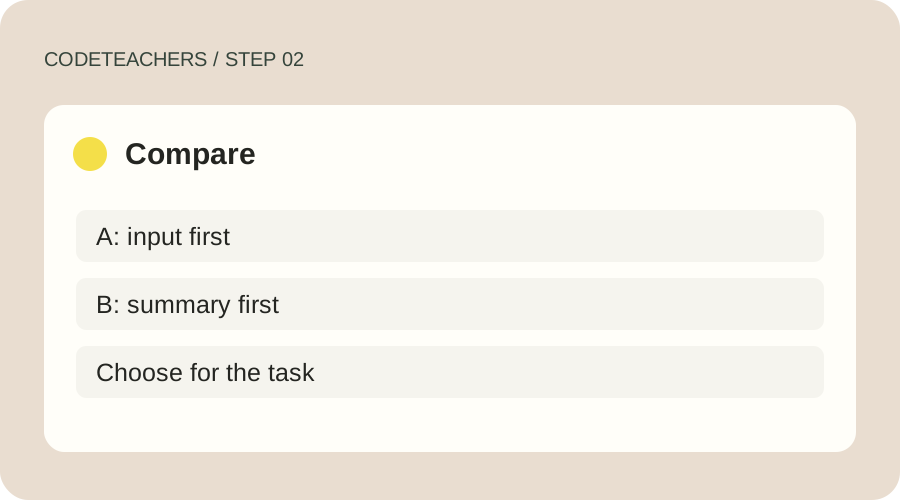
Give AI the task, audience and constraints. Ask for two low-fidelity layouts and the tradeoff in each. A task-first option might place the input above the list; a review-first option might put a summary first. Choose one based on the task, not on how polished its mockup looks. The diagrams here are teaching examples, not screenshots of a design tool.
Step 03
Make one readable prototype
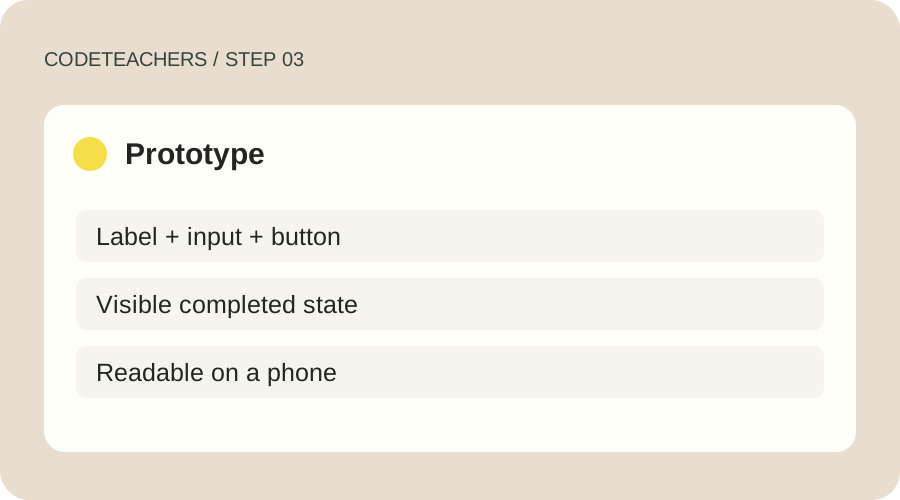
Use the project-board file from the previous lesson, paper, or a design tool you can access. Keep real labels, visible focus, sufficient contrast and a readable type size. Do not rely on color alone to signal completion. Check the implemented screen at a narrow width: a beautiful desktop image does not prove the actual interface works on a phone.
Step 04
Observe before improving
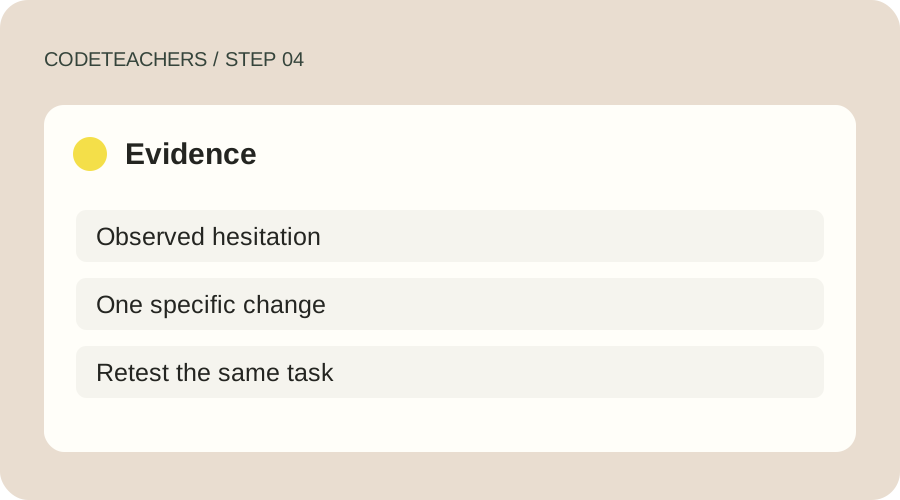
Ask a willing person to add a task without coaching. Record where they hesitate and whether they finish. Separate the observation from your interpretation: “looked for Add for five seconds” is evidence; “everyone dislikes this design” is not. Change one thing, repeat the task and document what changed. Do not invent participants or usability metrics.
A prompt to adapt
Suggest two simple layouts for a project board where a beginner adds a task and sees what remains. Use actual labels and explain the tradeoffs. Include keyboard focus, empty and error states, and a narrow-screen arrangement. Mark assumptions as assumptions. Do not claim user research or accessibility measurements you have not performed.
How to know it works
Pass when the primary action is understandable without coaching, controls have visible labels and focus, completion is conveyed by more than color, and your before/after note describes an actual observed result.
W3C accessibility tips for designers · Product guidance checked October 28, 2026.
For adults and adult-led learning. Tool age rules and account requirements still apply; younger learners can use the paper planning exercises with a grown-up. Never bypass a service’s age limits.